
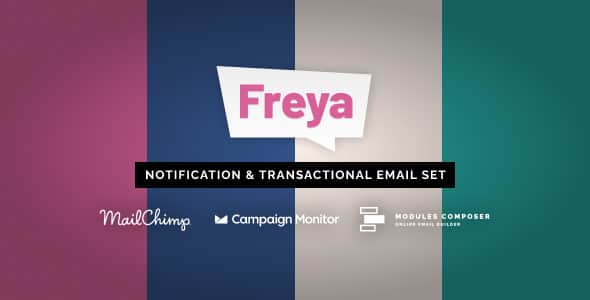
Freya – Notification & Transactional Email Templates | HTML Kit
Original price was: $20.00.$4.00Current price is: $4.00.
Managing transactional customer communications requires clean code, broad email client compatibility, and consistent layout rendering. Freya provides a structured set of HTML notification and transactional email templates designed for automated web applications, SaaS platforms, and e-commerce stores.
This template collection includes clean HTML source files built specifically for core operational events such as order receipts, account activations, password resets, and system alerts. It is best suited for backend developers, software engineers, and product teams needing reliable email layouts that render consistently across major mail clients. It is not intended for non-technical users seeking a standalone drag-and-drop design interface without code integration.
| Specification | Details |
|---|---|
| Product Type | Transactional & Notification Email Template Pack |
| Format | HTML Files with Inline CSS Styling |
| Client Compatibility | Gmail, Outlook, Apple Mail, Yahoo Mail, iOS & Android Mail Apps |
| Design Architecture | Responsive Fluid Layouts & Mobile-First Tables |
| Primary Applications | SaaS Alerts, Account Verification, Password Reset, Billing Receipts |
Key Technical Capabilities
- Cross-Client Rendering: Pre-tested layout structures ensure consistent display across desktop, mobile, and web-based email clients.
- Inline CSS Ready: Styling is formatted directly within HTML attributes to avoid blockages caused by restrictive mail client style parsers.
- Modular Layout Structure: Easily swap header logos, action buttons, data tables, and footer links across different operational scenarios.
- Developer-Friendly Code: Simple, well-organized markups allow fast variable substitution for dynamic data engines like Handlebars, Jinja, or Blade.
Frequently Asked Questions
Are these templates compatible with backend web frameworks?
Yes. Because the templates are delivered as plain HTML with inline CSS, they integrate directly into backend systems written in Node.js, PHP, Python, Ruby, or Go, as well as SMTP transmission services like SendGrid, Mailgun, and Postmark.
Do I need an inline CSS parser before sending emails?
The template source code comes pre-inlined for standard usage. However, if you make significant CSS modifications during development, running the updated markup through an inline CSS preprocessor is recommended to maintain Outlook rendering stability.
Can these email templates be edited without web development knowledge?
Basic text changes and image source swaps can be done in any standard code editor. However, customizing the layout or integrating dynamic variables requires basic knowledge of HTML and CSS structure.
1. Click Add to cart
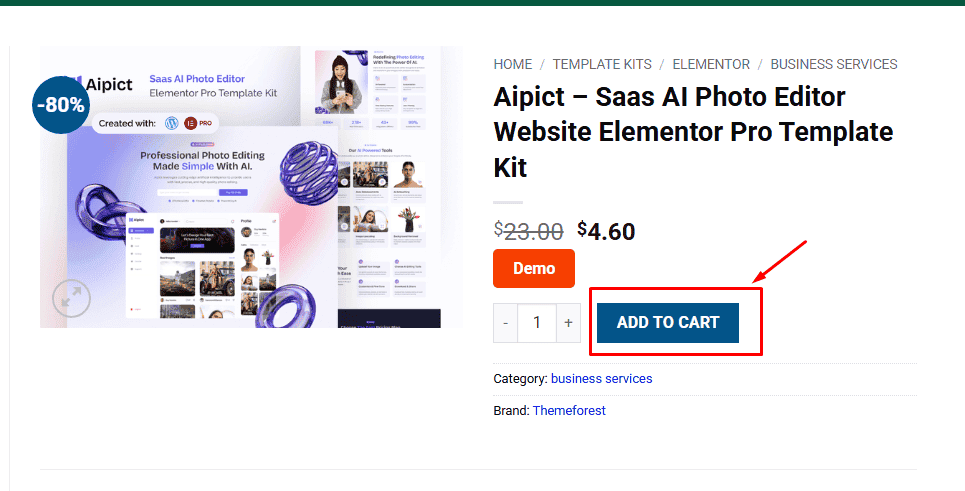
2. Review your items and click Proceed to checkout
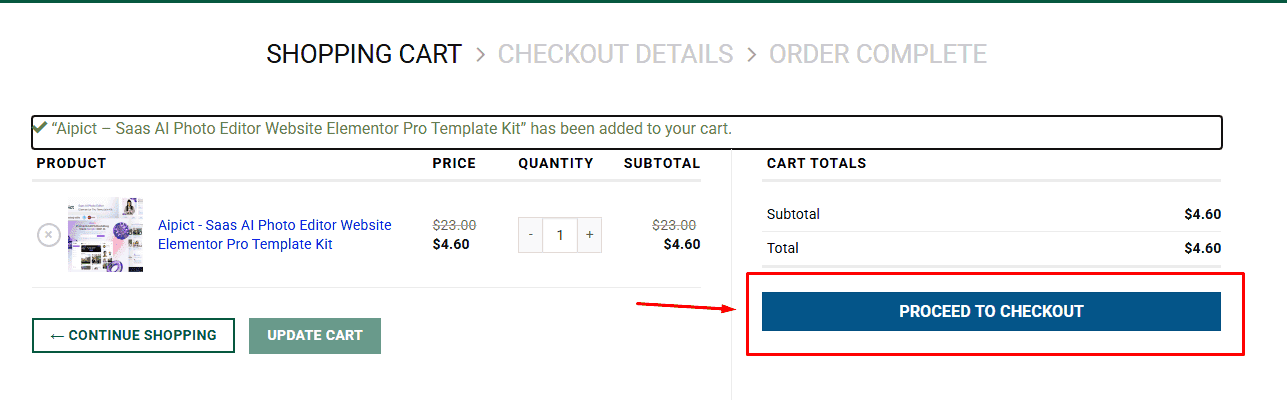
3. Fill in your billing details: Name, Email, and Password
4. Choose your preferred payment method
5. Click Pay via Paypal to proceed
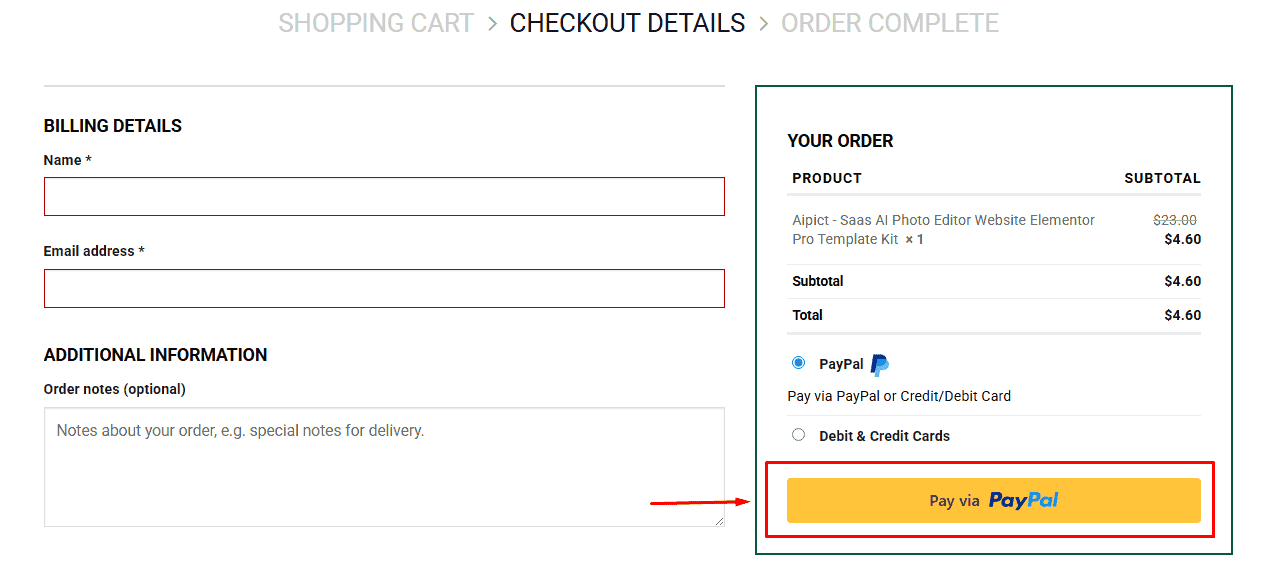
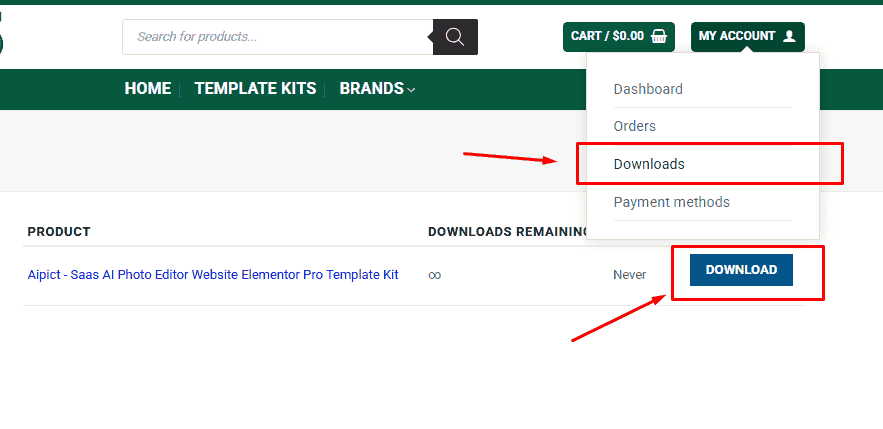
6. Access Downloads to get your files
Related products


