
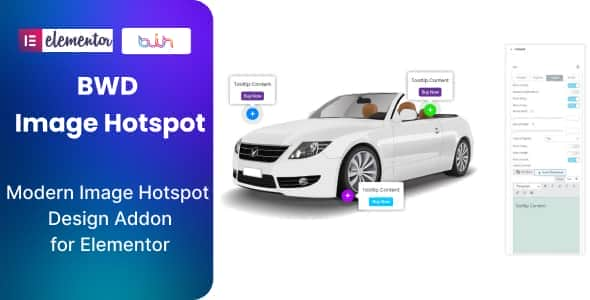
Image Hotspot Addon For Elementor – Interactive Pin Widget
Original price was: $10.00.$2.00Current price is: $2.00.
Adding interactive points to product photos or visual diagrams usually means fighting with custom CSS absolute positioning or installing heavy JavaScript scripts. Image Hotspot Addon For Elementor integrates a lightweight widget into your builder workflow, letting you attach custom tooltips, videos, product buttons, and popups directly onto any base image layer.
Target Use-Case Summary: This plugin is designed for WordPress developers, e-commerce store managers, and digital agencies using the Elementor page builder. It converts static photos into interactive shoppable graphics and informative feature callouts. It is ideal for product visual breakdowns, real estate tours, and multi-point infographics. It is not suitable for non-WordPress platforms or websites relying exclusively on the native Gutenberg block editor without Elementor.
| Technical Specification | Details |
|---|---|
| Product Category | Elementor Page Builder Addon |
| Framework Requirement | Elementor 2.5 or higher |
| Supported Content Types | Custom buttons, video popups, custom images, text tooltips |
| Code Compliance | W3C Validated, lightweight asset footprint |
| Translation Support | Includes .pot file for localization |
| Layout Adaptability | Fully mobile responsive across screen sizes |
Key Features & Technical Capabilities
- Flexible Marker Placement: Easily position interactive pins anywhere across your target image coordinates using intuitive controls.
- Rich Media Content Integration: Insert custom action buttons, external or internal links, embedded video popups, and secondary images directly inside each hotspot popover.
- Zero-Code Customization: Fine-tune pin styling, tooltip background colors, hover triggers, and typography natively within the standard Elementor editing interface.
- Lightweight Codebase: Built with clean PHP and optimized script execution to minimize asset bloat and preserve site speed metrics.
- Universal Theme Integration: Compatible with any active WordPress theme running on the Elementor ecosystem without stylesheet or JS conflicts.
Frequently Asked Questions
Does setting up image hotspots require writing custom code?
No coding skills are necessary. Every marker location, content popup trigger, and visual style option is configured entirely through the visual Elementor inspector panel.
Can I add direct WooCommerce purchase buttons inside the hotspots?
Yes, you can customize the popover content to include call-to-action buttons, custom links, and product details to guide users directly to checkout or detail pages.
Is this plugin ready for multi-language or translated sites?
Yes, the plugin comes equipped with a .pot language file, making it simple to translate all public-facing text using standard tools like Loco Translate or WPML.
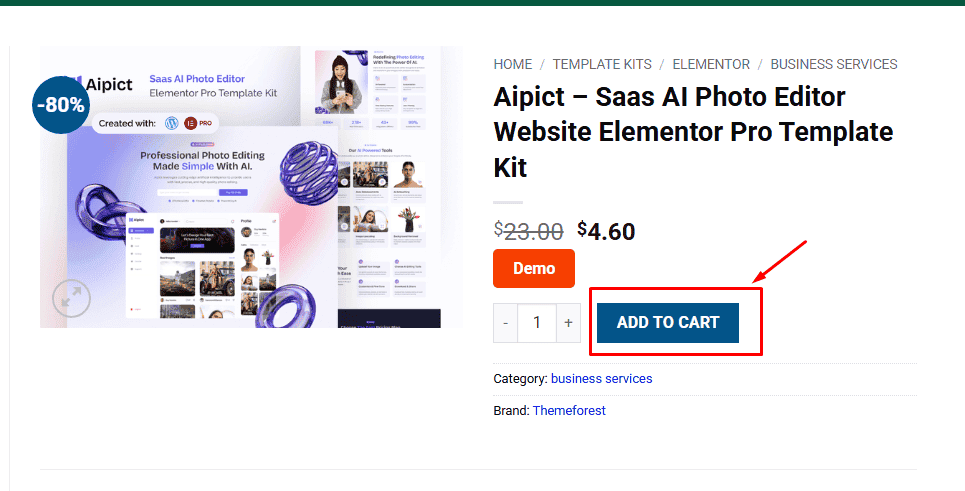
1. Click Add to cart
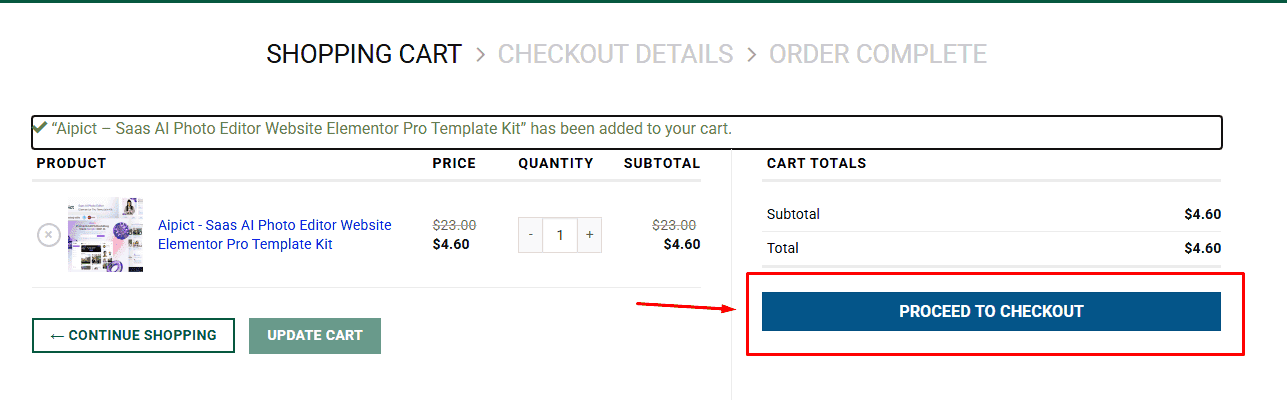
2. Review your items and click Proceed to checkout
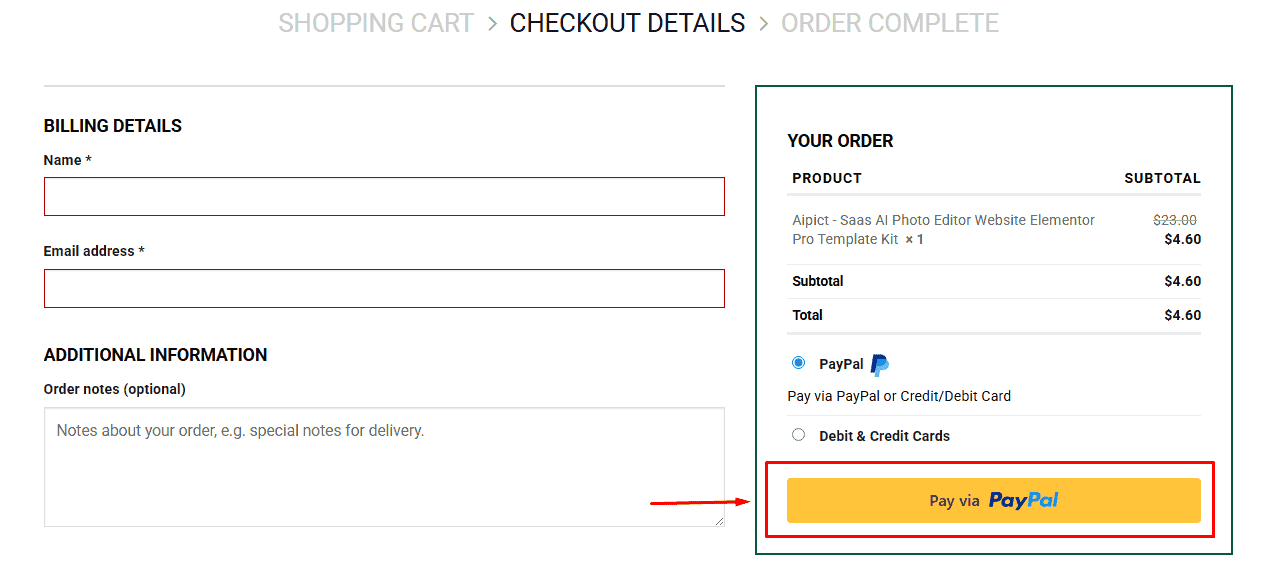
3. Fill in your billing details: Name, Email, and Password
4. Choose your preferred payment method
5. Click Pay via Paypal to proceed
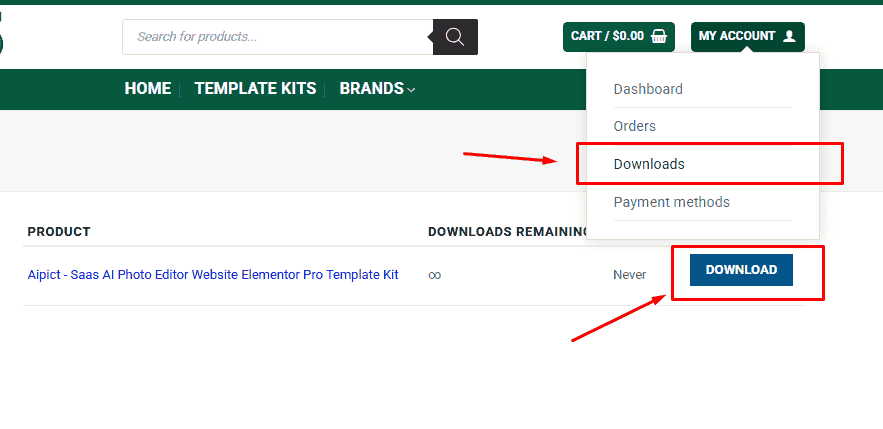
6. Access Downloads to get your files
Related products


