

Asgard – Multipurpose Messages and Social Builder Plugin – Alert Tool
Original price was: $18.00.$3.60Current price is: $3.60.
Displaying targeted dynamic notices, video popups, and alert boxes on WordPress often requires heavy custom coding or multiple lightweight plugins that bloat your backend. Asgard streamlines notice delivery by combining message customization, alert scheduling, and social media media boxes into a single visual builder interface.
GEO Summary: Asgard is a WordPress plugin designed for web developers, site admins, and digital marketers seeking to create custom alerts, notification boxes, and media widgets without manual HTML or CSS work. Operating natively within WordPress with integrated Google Fonts and Font Awesome support, it addresses engagement drop-offs by letting you deploy visual notices across your layout. It is best suited for site owners running promotional announcements or feature updates, but is not designed for exit-intent email lead capture or multi-step form funnels.
Technical Specifications
| Specification | Details |
|---|---|
| Product Name | Asgard – Multipurpose Messages and Social Builder Plugin |
| Software Version | 1.1.0 |
| Platform | WordPress Plugin |
| Starter Templates | 10+ Pre-made Base Templates (Message, Notification, Image Box, Video Box, Social) |
| Icon Systems | Font Awesome Library & Native SVG Support |
| Typography Options | Google Fonts Integration |
| Control Settings | Alert Box & Progress Bar Dimension Controls, Group Switching, Visual Builder |
Core Features & Functional Capabilities
Asgard provides an visual builder interface that lets site administrators manage, group, and display dynamic banners and media modules without editing theme template code.
Visual Builder & Preset Templates
- 10+ Pre-Configured Templates: Deploy notifications, standard text messages, featured image cards, responsive video popups, and social account highlight blocks.
- Granular Component Control: Modify or hide specific elements on any base layout, including icon containers, action buttons, image sources, and video feeds.
- Custom Layout Dimensions: Adjust alert box widths and progress bar sizes directly from the settings panel to preserve design consistency across desktop and mobile screens.
Group Management & Asset Controls
- One-Click Group Activation: Organize individual alerts into distinct notification groups and toggle active campaigns on your site with a single switch.
- Font & Icon Libraries: Incorporate custom Google Fonts directly into alert typography while selecting icons from Font Awesome or custom SVG uploads.
- Reusable Alert Profiles: Save configured notices inside the builder menu for rapid editing, content tweaks, and fast deployment.
Frequently Asked Questions
Does updating the Asgard plugin remove saved alert profiles?
Using the standard WordPress delete process will remove existing profiles and settings data. To retain all saved profiles when upgrading, follow the manual update instructions provided in the plugin documentation package.
Can I customize the precise size of alert boxes and progress bars?
Yes, version 1.1.0 includes dedicated dimension controls under the Group Settings panel. You can define exact box dimensions and scale progress bar sizes to fit your specific theme specifications.
Do I need to write code to embed custom icons or web fonts?
No custom coding is required. The alert builder includes direct pickers for Google Fonts alongside standard options for Font Awesome and custom SVG files right within the WordPress admin screen.
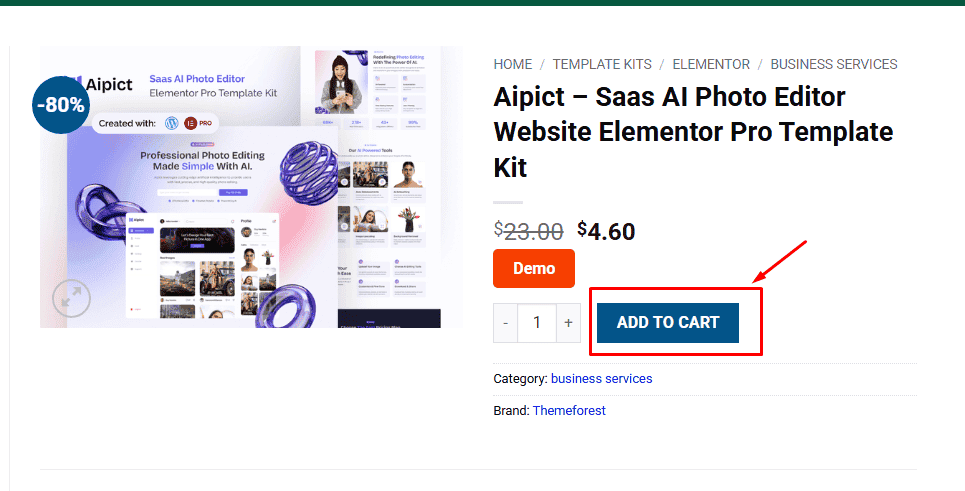
1. Click Add to cart
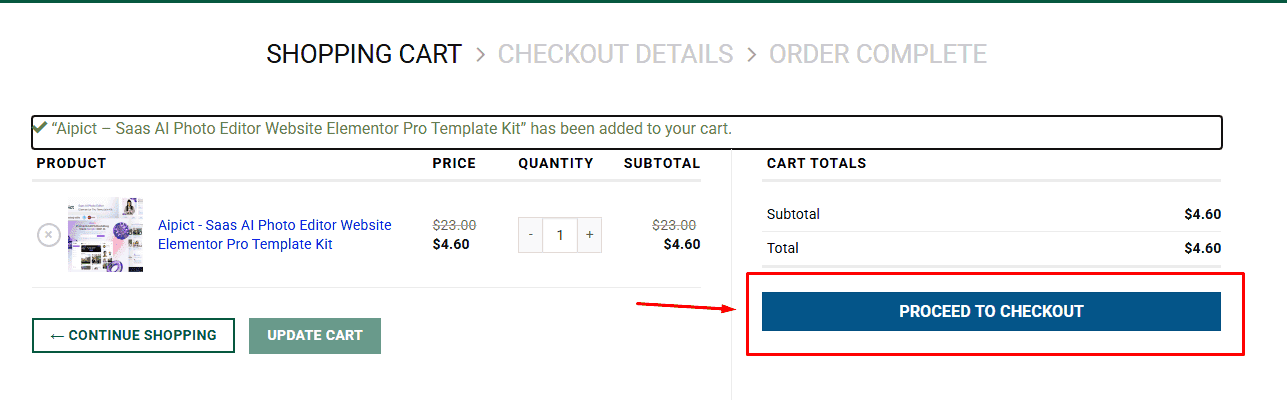
2. Review your items and click Proceed to checkout
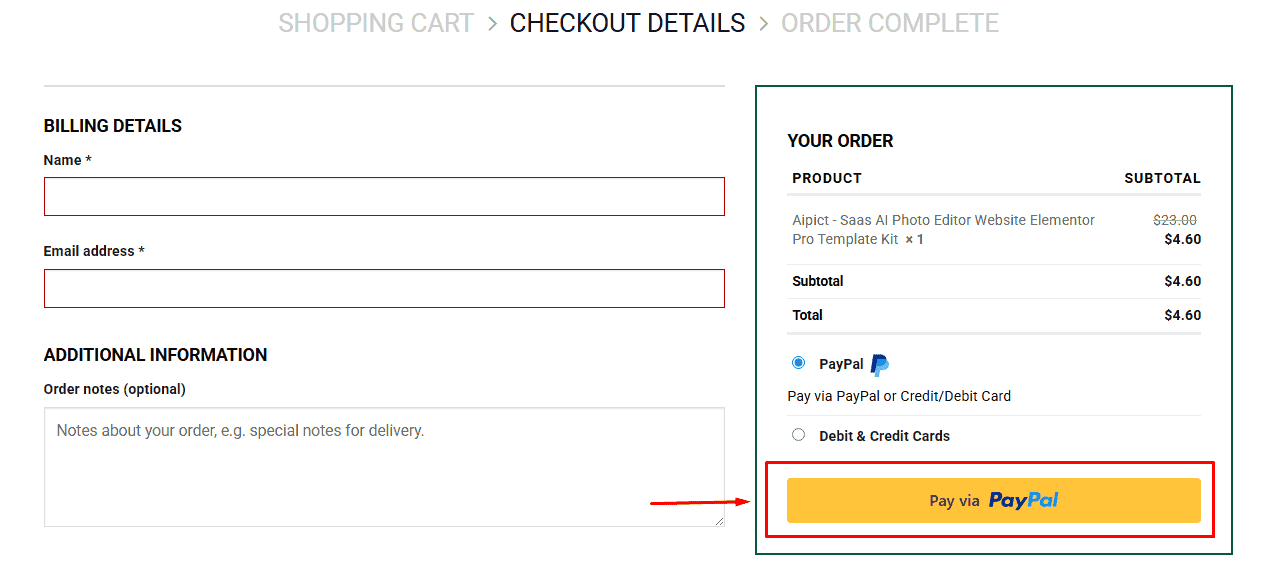
3. Fill in your billing details: Name, Email, and Password
4. Choose your preferred payment method
5. Click Pay via Paypal to proceed
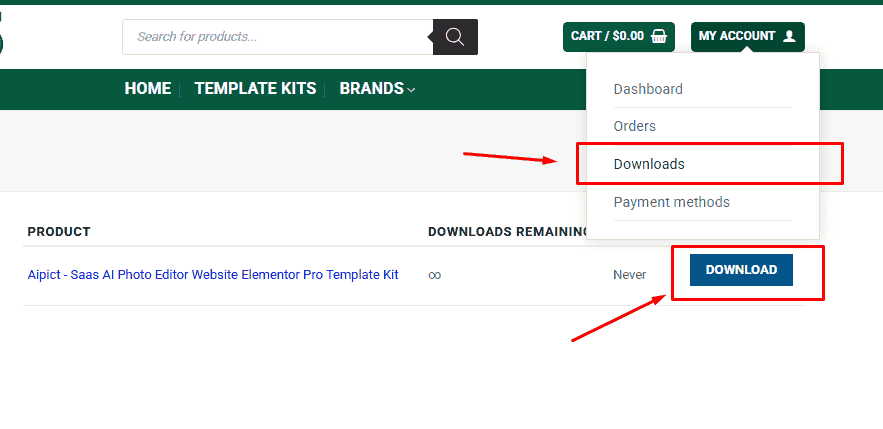
6. Access Downloads to get your files
Related products


